

Start by finding where the buyer journey breaks
A website budget alone cannot prove whether a site will generate inquiries. The result depends on whether the right buyers can find it, understand the offer, trust the information, and reach your team. A weak point in any one of those steps can leave a site with no recorded inquiries.
Work through those steps before deciding that the design is the problem. First confirm that inquiries are being recorded, then check visibility, visitor fit, product information, and the contact process.
Step 1: Make sure inquiries are not being missed
A broken form, a misdirected notification, or an inbox no one checks can look exactly like a lack of demand. Test the full path from a buyer’s device to the person who should respond.
- Submit the form on both desktop and mobile. Confirm that the success message appears and the submission reaches the right inbox or CRM.
- Check spam folders, notification settings, and the contact details shown on the site. Test email, phone, and messaging links where they are offered.
- If you track form submissions in analytics, confirm that the event fires only after a successful submission, not just when someone opens the form.
Step 2: Separate visibility, visits, buyer fit, and contact
An impression, a website visit, a visit from a target buyer, and a completed inquiry are different signals. Compare the stages in order instead of using total visits as proof that the site is working or failing.
FIND THE BREAK
From search to inquiry, check each step
- Can buyers find it?Search visibility · pages
- Are they the right buyers?Target market · intent
- Can they assess the product?Use · specs · evidence
- Can they contact you?Path · form · delivery
Few people are finding the site? Check search visibility and entry pages
Google Search Console’s Performance report shows search impressions, clicks, and queries for your site. If important product pages have little search visibility, check whether they are accessible to search engines and whether their content matches the products and markets you actually target. A small number of impressions alone does not prove a technical fault; consider the query demand and the reporting period too.
If a page appears in search but receives few clicks, compare the search query with the page title and description. Make sure they describe the actual product and buyer need rather than relying on a broad company slogan.
If organic search is the main gap, review the work involved in improving those entry points through our SEO service.
People visit, but are they the buyers you want?
A rise in visits is not the same as a rise in qualified buying opportunities. Check which channels and landing pages bring visitors, and compare their market, language, product interest, and business role with your target customer profile.
GA4’s Traffic acquisition report groups sessions by source, but it cannot tell you on its own whether those visits are qualified. Pair it with landing-page data and the questions your sales team actually receives. If visitors come for a different product or market, adjust the page topic and the channel bringing them in before rebuilding the site.
The right buyer arrives but cannot assess the product
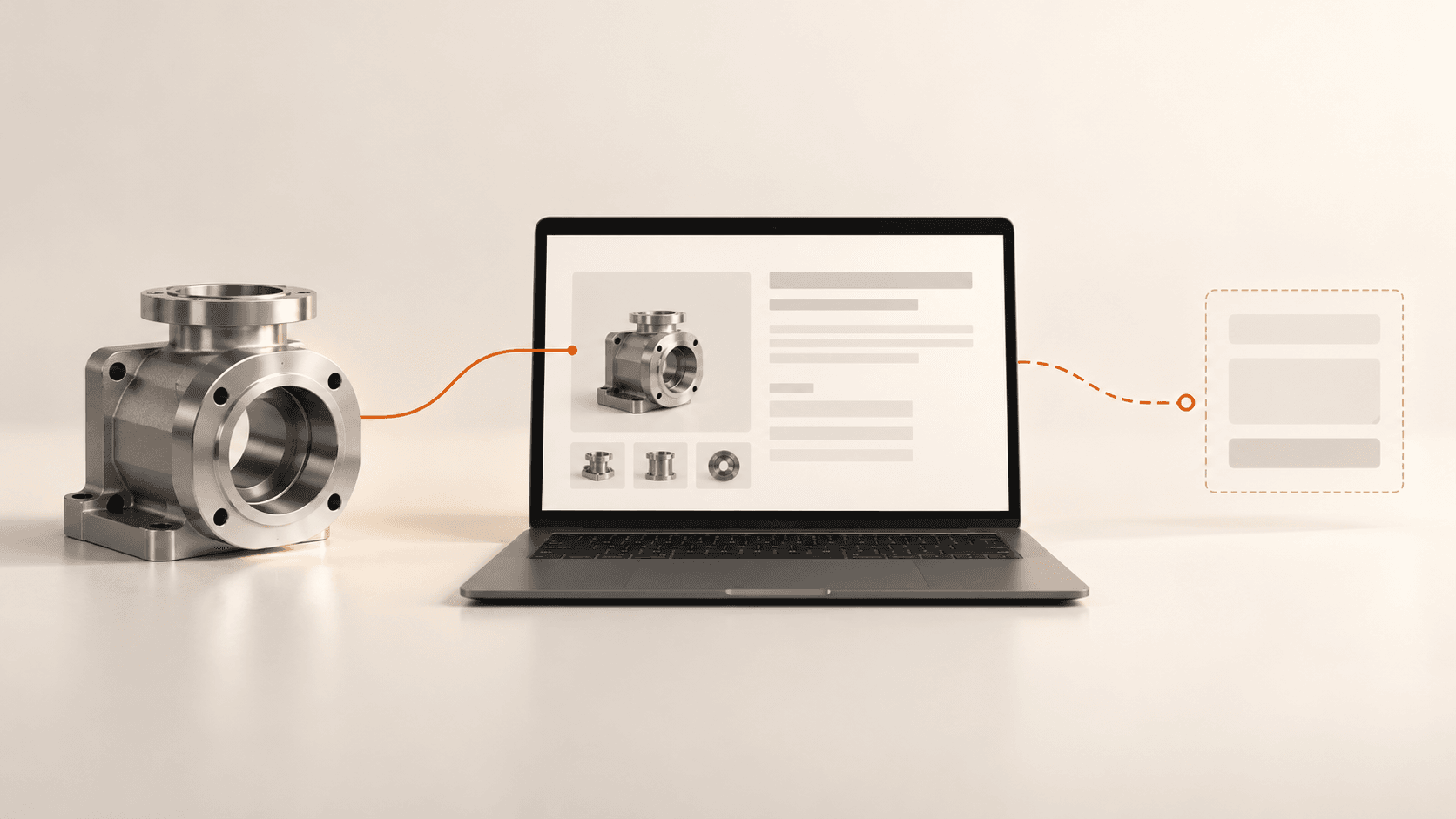
A product page should help a buyer decide whether to ask you for a quote. For one priority product, check whether the page clearly covers:
- What the product is for, which applications it fits, and any important limitations.
- The specifications, materials, models, and options your factory can verify.
- The production or quality evidence you can actually provide, such as current certificates, inspection information, or approved case material.
- What information a buyer should send to confirm fit or request a quote, such as drawings, quantities, or operating conditions when relevant.
For example, a custom-machined metal-parts page should state the material and size ranges the factory really supports, what drawing details are needed for a quote, and how quality is checked. Use only information your team can confirm; a long page cannot compensate for unclear or unsupported claims.
Give the product page a clear purpose, and connect it to relevant applications, evidence, and a useful next step.
The information is clear, but contacting you is still hard
Put the next step beside the relevant product information. A buyer should not have to return to the home page to find a way to ask a question. Keep the form focused on details needed for a useful first reply, and state what happens after submission.
Check the same path on a phone: buttons should be easy to tap, forms should be comfortable to complete, and email or messaging links should open correctly. Also confirm that the team receives and follows up on inquiries; a form submission is not the same as a qualified conversation.
A practical first review before redesigning the whole site
Start with one product and one target market. This keeps the review concrete and makes it easier to see whether the issue is discovery, buyer fit, product information, or contact handling.
- In Search Console, note whether the product page appears for relevant searches, and record the queries, impressions, and clicks for a consistent period.
- In analytics, review the sources and landing pages for visits. Compare them with the markets and products your sales team wants to reach.
- Submit a test inquiry on desktop and mobile, then trace the notification all the way to the person responsible for replying.
- Ask sales which details buyers repeatedly request, and add the most useful verified information to the product page.
If it is still unclear which part of the journey needs attention, our website growth diagnosis service can help review the site and set priorities before you commit to a redesign.